Prepare your phone before you leave
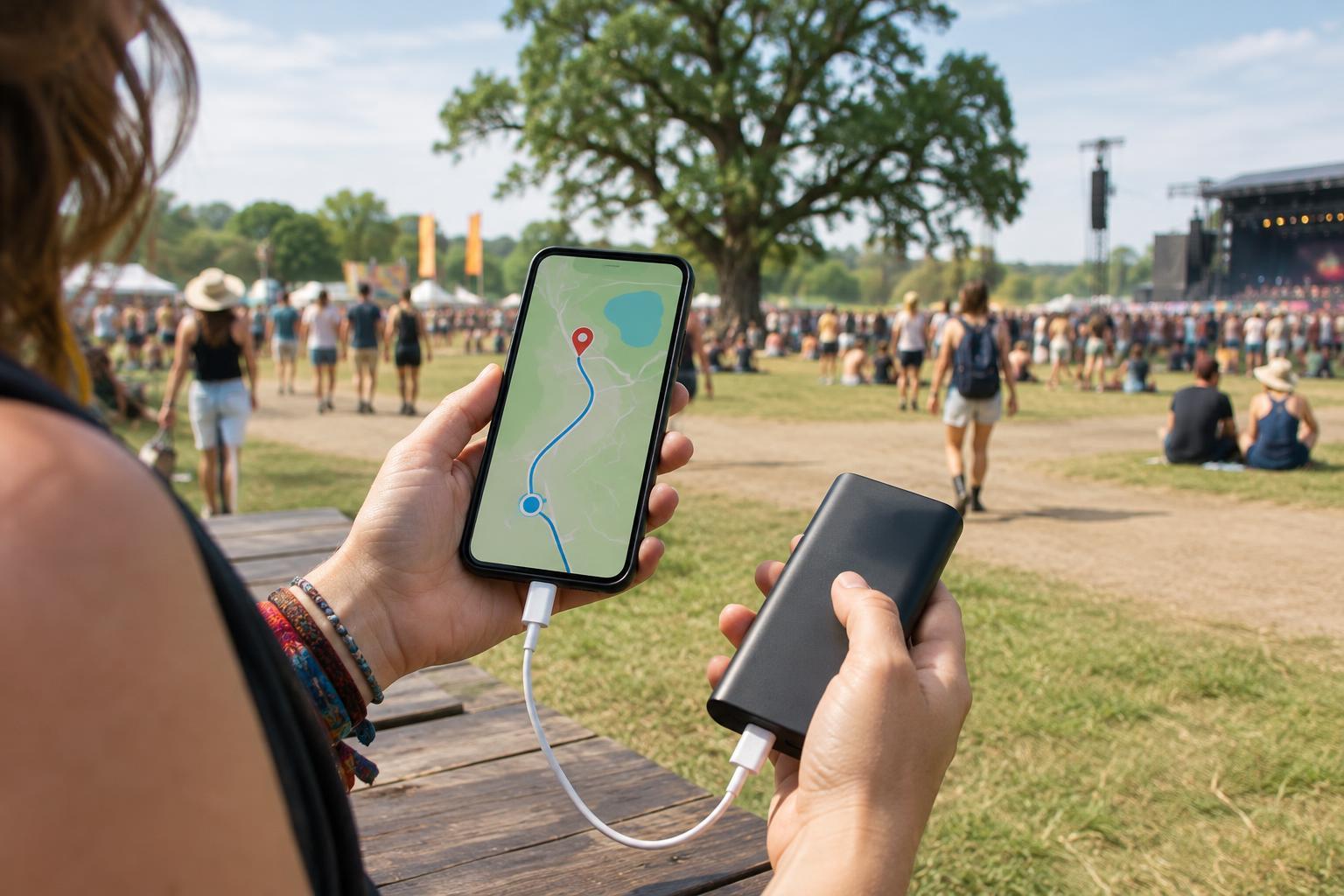
A phone can hold your ticket, directions, schedule, camera, and the messages that help you find friends. That makes it worth preparing before you reach the venue, when a weak connection or a low battery may be harder to fix. Fully charge your phone, check that it charges reliably, and bring the cable that fits it. If you use a portable battery, charge that too and test it with your phone at home.
Save the information you may need when you cannot load a website: your ticket or entry instructions, the venue address, transit or parking details, and any published venue map and set times. Use the event organizer’s official information for details that may change. A screenshot can be handy, but confirm that your ticket can actually be presented that way; some ticketing systems require an app or a live, changing code. Keep a note of your route home and a backup way to pay if your usual payment method depends on your phone.
Make an offline route, not just an offline map
Download a map of the surrounding area in a navigation app that supports offline use. Check that the download covers the venue, nearby transit stops, and the place you expect to end your night. Then test what you can see with mobile data turned off. Offline maps can help with streets and landmarks, but features such as live transit updates, road closures, and some search results may still need a connection.
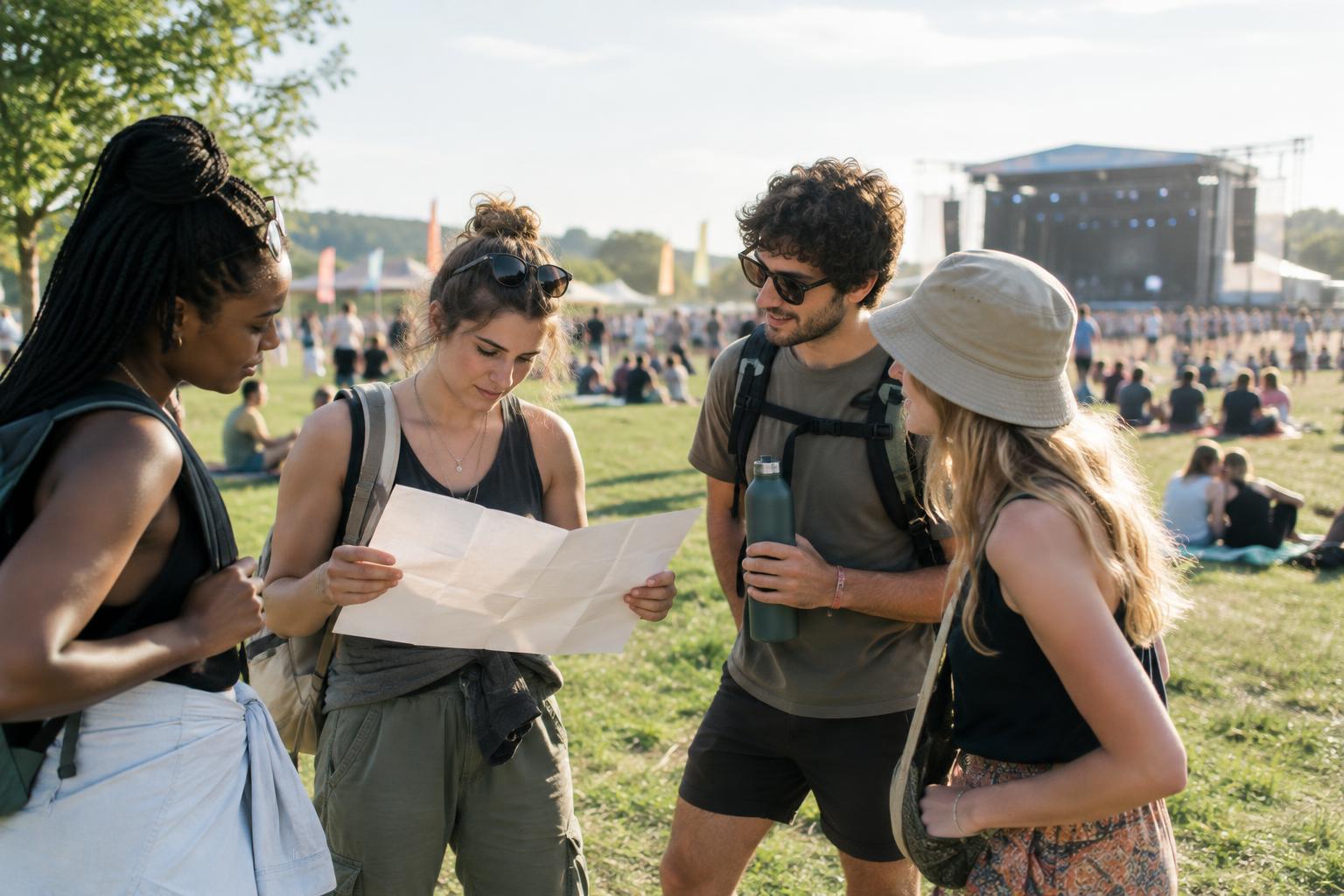
A festival site map serves a different purpose: it can show entrances, stages, water points, restrooms, accessibility services, and exits that a street map may not include. Save a copy if one is available. Before the music starts, identify your entrance and a few fixed landmarks. “Near the main stage” may be hard to use in a crowd; a clearly marked information point or other distinctive location is easier to recognize. Pay attention to signs and staff directions on site, which should take priority over an old saved map.
Stretch your battery without making your phone unusable
Your screen is often one of the easiest things to manage. Lower its brightness when you can still read it comfortably, shorten the time before it locks, and close camera or navigation views when you are finished with them. Battery-saver mode may also help. If reception is poor, your phone may spend extra energy trying to connect; when you do not need calls or messages for a while, airplane mode can help conserve power. Remember to turn it off when you want to check in with someone.
Decide what matters most before you start filming. Short clips and a few photos leave more power for directions, tickets, and communication than recording long stretches of a set. If your portable battery has limited capacity, use it before your phone is almost empty rather than waiting until a difficult moment in a crowd. Keep the battery and cable somewhere dry and easy to reach, and do not leave a phone unattended at a charging point.
Plan to find people without live messages
Messages may arrive late or out of order when many people are using the same network. Before separating, agree on a specific meeting place and a time to check it. Choose a fixed, public landmark that everyone can locate from the site map, rather than a movable food truck or an area that may become congested. If anyone in your group has access needs, choose a spot they can reach comfortably.
Make the plan work even if every phone dies: decide how long to wait and what to do next if someone does not arrive. Keep important contact information somewhere other than your phone, such as a small card in your bag. If you are lost, need assistance, or cannot find a member of your group after following your plan, ask identifiable event staff or visit an official information point rather than wandering indefinitely.
Check the route out while you still have power
Leaving can be more confusing than arriving, especially after dark or when a crowd is moving toward several exits. Early in the day, note which exit leads toward your transit stop, pickup area, or parking location. Save any relevant directions and check whether your planned journey depends on a service you will need to confirm later. A saved route is a starting point, not a guarantee that conditions will stay the same.
As the event winds down, reserve enough battery to contact your group and manage the trip home. Check official notices and posted signs for changes, and give yourself a little time to regroup before joining the departure flow. With essential details saved, a charged backup, and a meeting plan everyone understands, losing service becomes an inconvenience rather than the thing that decides your night.